Mobile-Friendly Access
A dedicated layout keeps essential account sections easier to find.
 Contact UsRegister
This 949T App guide helps Bangladesh users understand the basic Android setup process before they install an APK. It covers how to locate the official download page, check the file before opening it, manage Android installation permissions, sign in with care, and use mobile account features responsibly. Read local rules, platform terms, and privacy information before using gambling-style services.
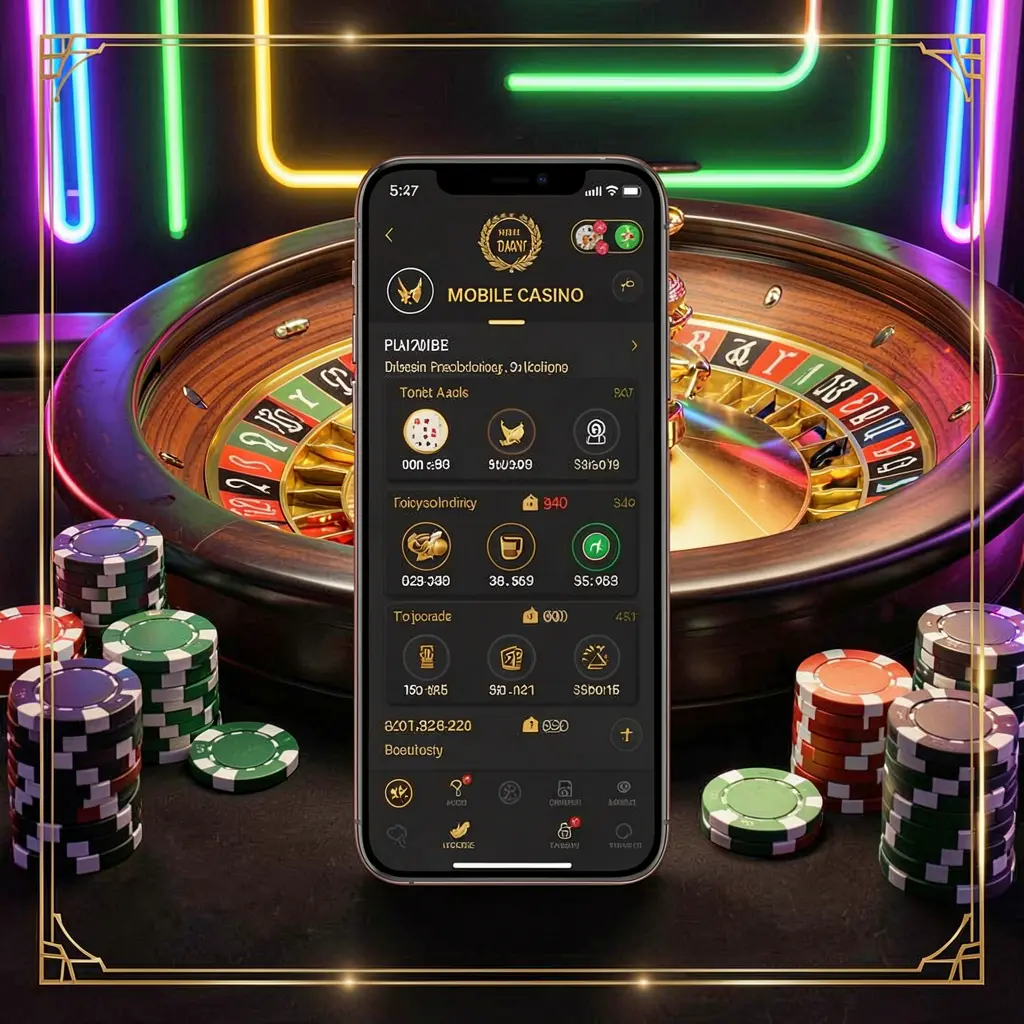
The 949T App is an Android access option for people who prefer opening account tools through a dedicated mobile layout rather than returning to a browser each time. It can place login, profile, wallet, promotions, and help sections within easier reach on a phone.
A sensible app setup starts with checking the source, not simply tapping the first link received. Bangladesh users should avoid copied files, inspect permission requests, and confirm that online gambling-style activity is allowed under applicable local requirements before proceeding.
The 949T App can offer adults a mobile route to platform areas such as account settings, wallet pages, promotions, and support. Download only from an official 949T page, protect personal details, and use it only where permitted.
A dedicated layout keeps essential account sections easier to find.
Users can review profile, wallet, and support pages conveniently.
Source verification helps reduce risks from altered APK files.
Mobile settings can support careful budgeting and controlled use.
Install the 949T App only after finding the official download location. Android devices may display different labels for security settings, but the essential process is to download, verify, permit, install, and then review your account carefully.
Open the official 949T website in your Android browser and look for its App, Mobile, or APK area. Avoid files supplied through unknown chat messages, social posts, or unverified download pages.
Choose the official APK download option and wait until the file has fully saved. Check the download notification or file manager to make sure you open the intended file rather than an older duplicate.
Android may ask you to allow the browser or file manager to install unknown apps. Enable this setting only for the installation, then disable it afterward if you do not need it.
Complete installation, open the app, and log in carefully. Use a strong unique password, review available account settings, and read relevant terms, payment information, and responsible use notices before taking further action.
Simple habits can make Android app access more secure.
Before using any wallet, promotion, or gaming section, take time to understand its rules and possible costs. Do not make decisions based on urgency, messages from unofficial contacts, or the idea that outcomes can be predicted.
Mobile access can make gambling-style entertainment feel immediate, so personal limits are especially important. Set a budget you can afford to lose, pause when play stops feeling enjoyable, and seek support from trusted people if spending becomes difficult to manage.
Answers to common questions about installing and using the 949T App on Android.
Visit the official 949T website through your Android browser, locate its App or APK section, and use the download option provided there.
Android may ask you to permit installation from the browser or file manager used for the APK. Disable that permission again after installation if it is no longer needed.
It is safer to avoid APK files sent through messages, groups, or unknown contacts. Download directly from the official 949T website instead.
Check that the app came from the official source, use a strong password, review permissions, and read relevant terms and local legal information.
No. Gambling-style activity carries financial risk and should not be viewed as a source of income or guaranteed returns.